|
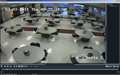
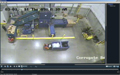
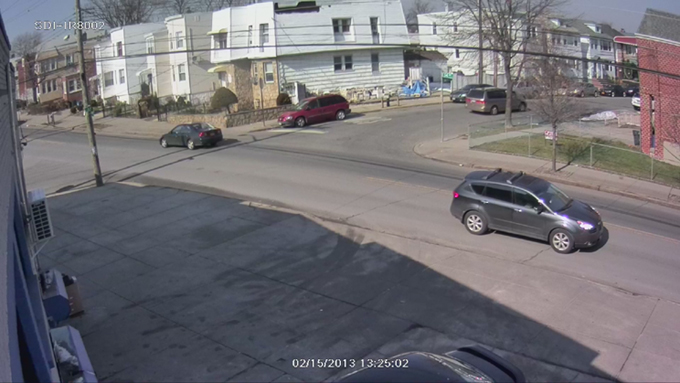
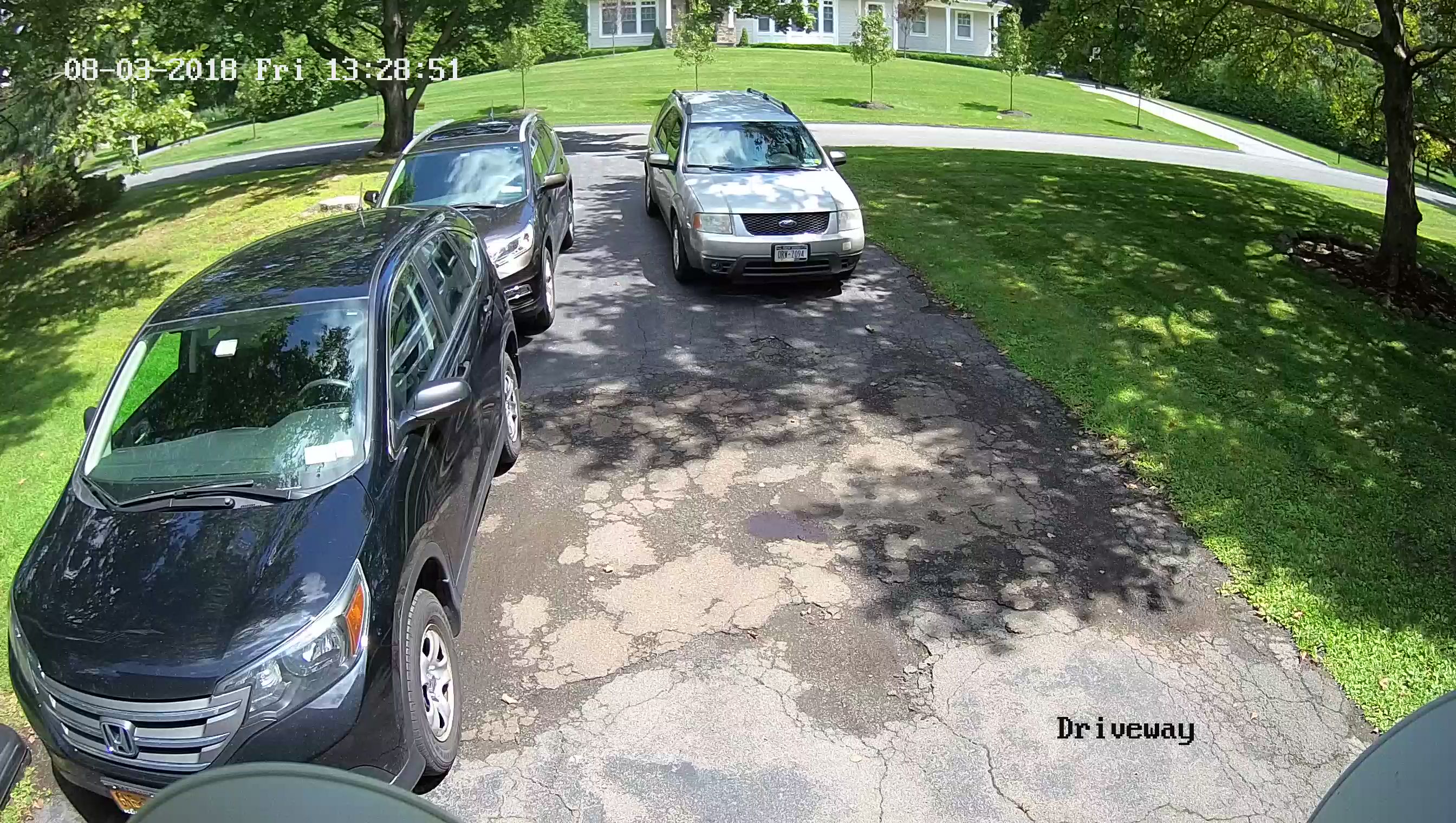
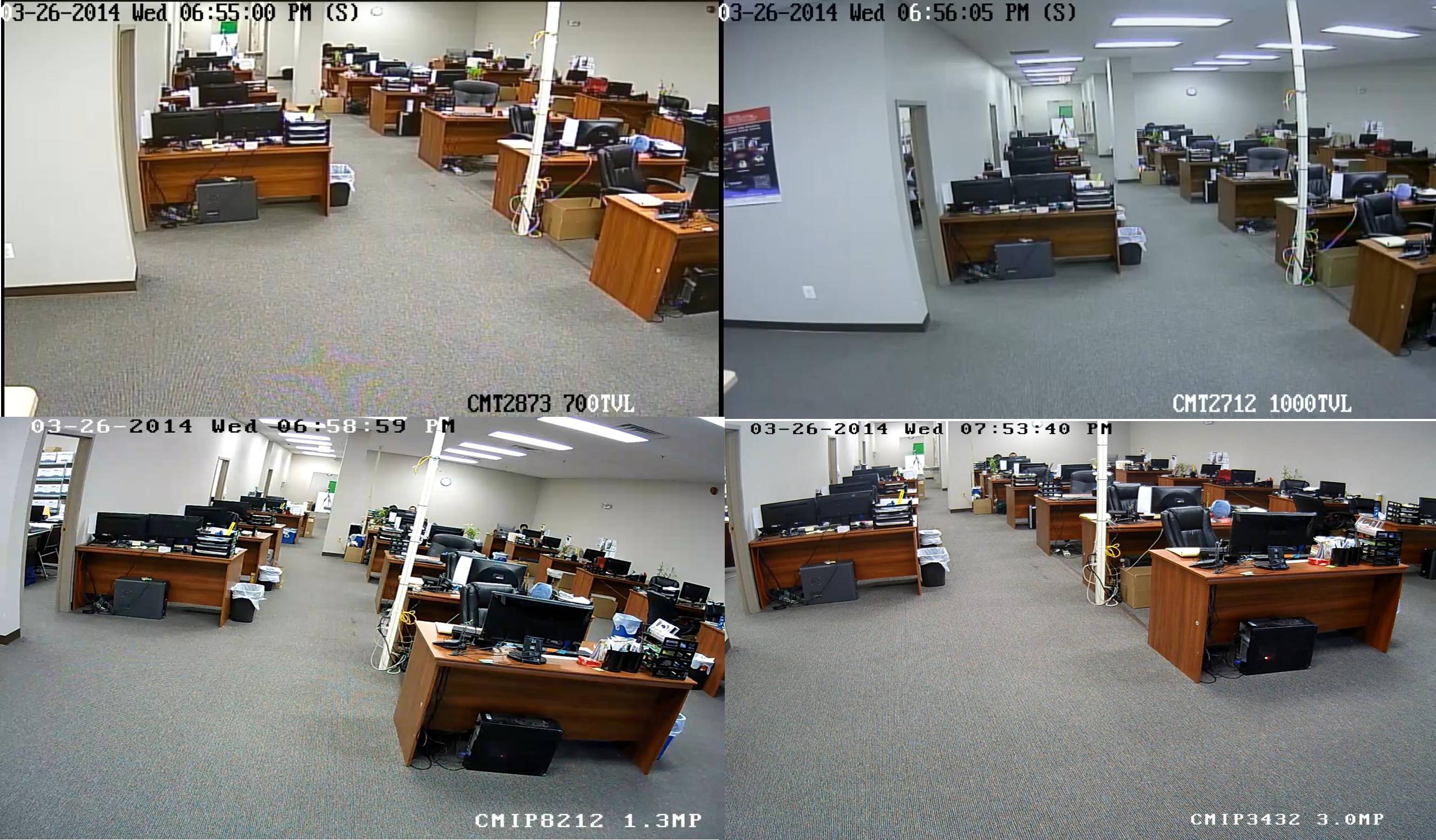
Here you will find a variety of
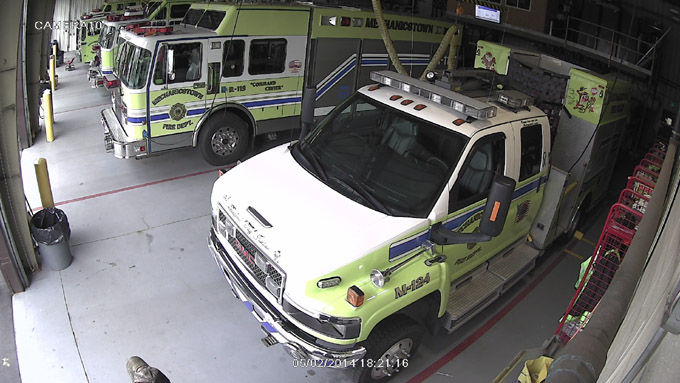
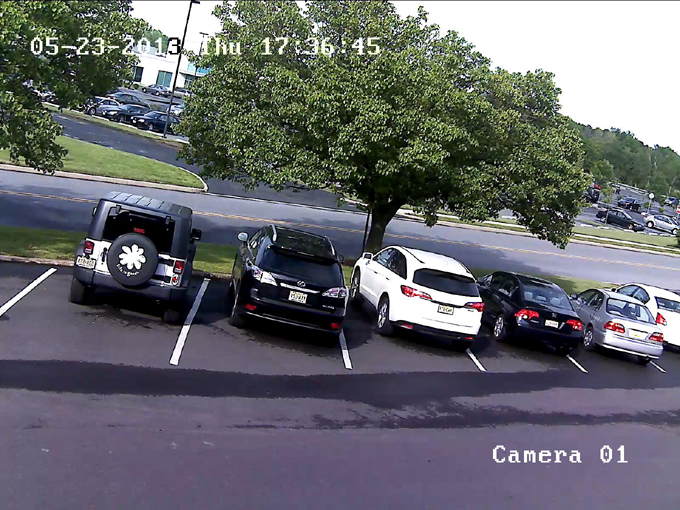
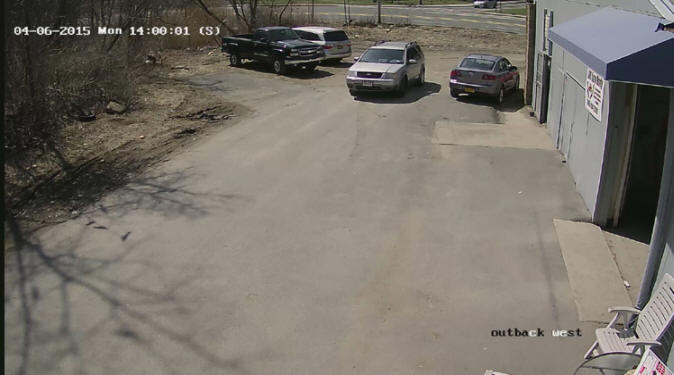
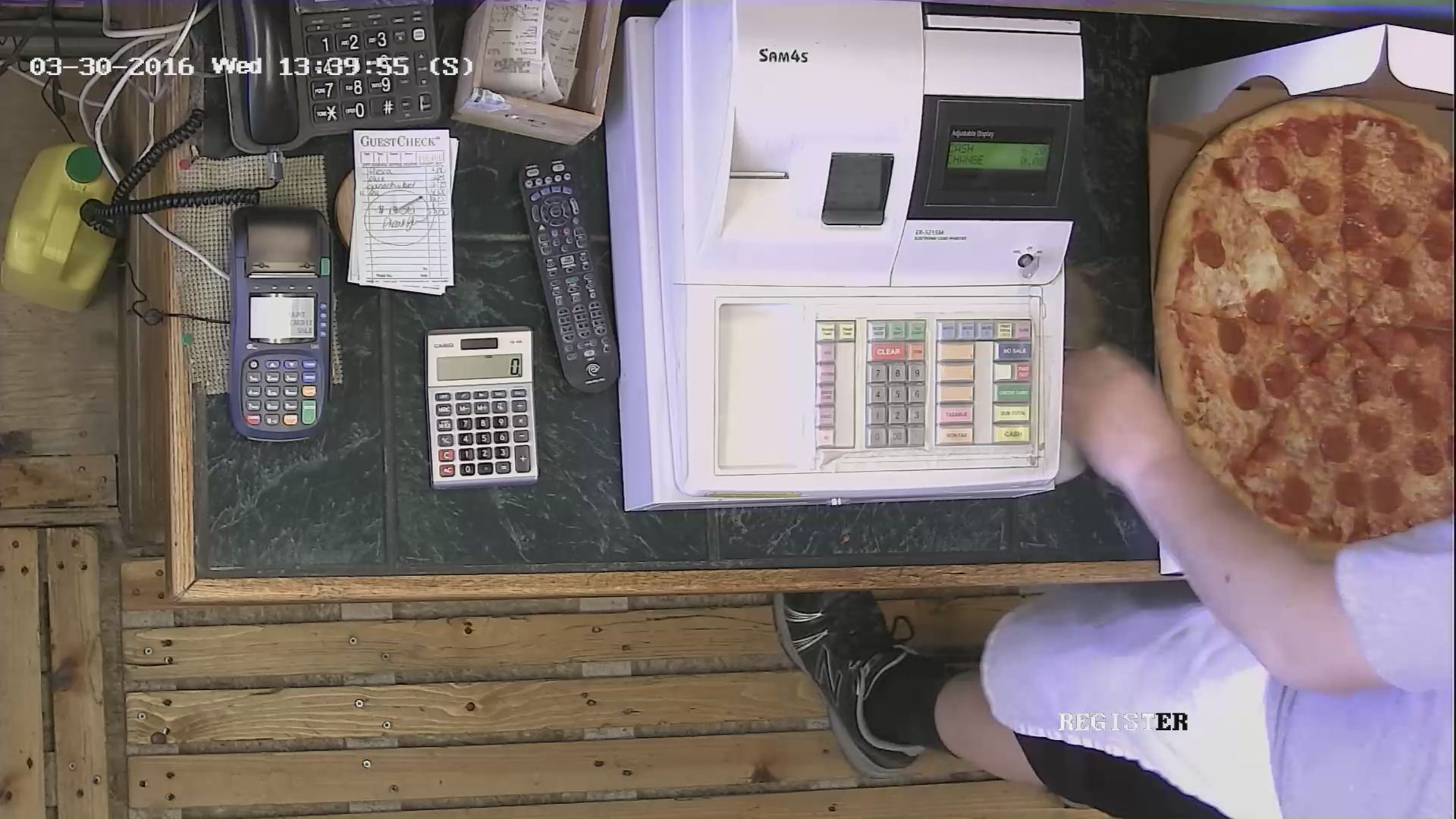
clips that we downloaded from some of our clients' sites.
Note the various resolutions and frames per second (fps) recording
rates, which vary by DVR and camera type.
4CIF/D1 (704x480 = 337k pxl)
Full HD1080P
(1920x1080 = 2 Mgpxl)
UHD 4K (3840 x 2160 = 8 Mgpxl).
Some of these clips have been
converted to Windows Media Player for your
convenience.
Double click an image to play it, or,
preferably, Right Click and Save
Target As, saving the video to your PC;
then play it from your PC
instead of streaming it here.
If audio is indicated, click the
speaker icon in the player and make sure your speakers are
on.
If they do not open automatically you may need to
Download
the H.264 Clip Viewer
or
Download Windows Media Player Classic from
http://mpc-hc.org
|